What a WhatsApp agent does (and does NOT do) in 2026
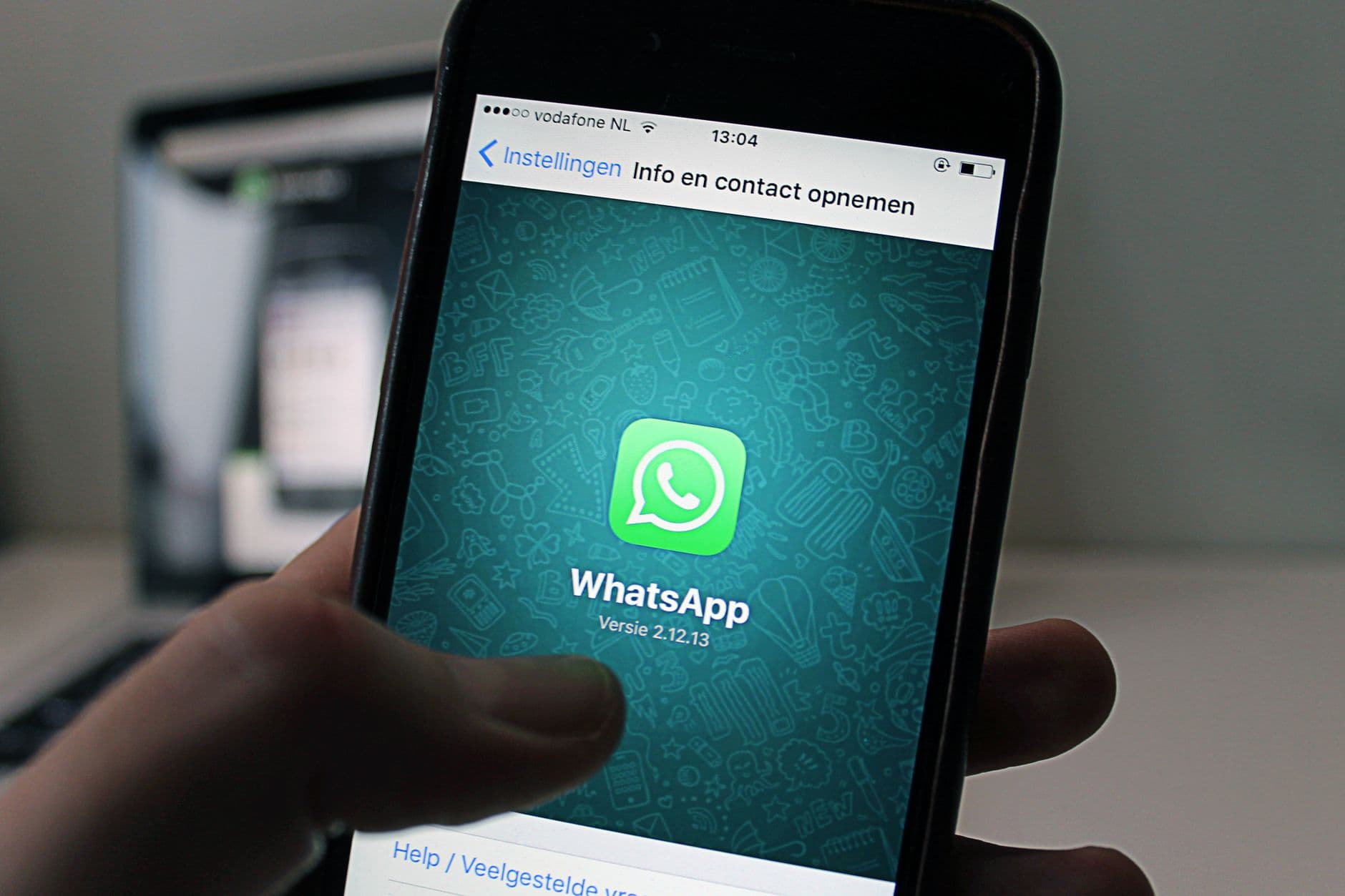
When a client asks us "can you build us a WhatsApp agent?", the first thing we do is ask what they imagine it will do. The answer almost always includes things Meta's policy doesn't allow, and almost never includes the things that actually make money: replying in seconds, not losing an order at 11pm, and pinging a human when needed. This article is the no-hype version of what a WhatsApp agent can and can't do in 2026, grounded only in official Meta/WhatsApp Business documentation: the Business Messaging Policy, the Platform's official pricing page, and the WhatsApp Business Solution Terms.
The piece that changes everything: the 24-hour window
Much of what a WhatsApp agent does or doesn't do revolves around one concept: the 24-hour service window. According to WhatsApp's Business Messaging Policy, a user-initiated conversation opens once the first business reply message is delivered, and the business can reply freely within that period. Outside the 24-hour window, only previously Meta-approved Message Templates can be sent; and the policy explicitly states that "standard pricing applies for all conversation categories" when messages are sent outside that window.
This has a practical consequence many people miscalculate: if a customer asks about a product's price on a Monday at 10am and doesn't write again, the business has those 24 hours to close the conversation with free-form messages, with no charge tied to the service category. After that, any reminder has to go through an approved template, and templates are subject to Meta's review and approval before they can be used, as the policy itself states.

Foto de dumitru B en Pexels
How messages are actually charged
The official WhatsApp Business Platform pricing page explains the model fairly clearly: businesses are charged per message delivered (not per message sent), and the cost depends on two factors, the destination country and the message category (marketing, utility, authentication or service). Two important points follow directly from that page:
Service category messages are never charged.
Utility messages a business sends in response to a user action are also not charged.
In addition, when a user writes to you after clicking an ad that leads to WhatsApp or a call-to-action button on a Facebook Page, a 72-hour window opens during which all messages are free, regardless of category.
Meta also describes "volume tiers" for utility and authentication messages: the more volume a business sends, the more attractive pricing it can unlock. The page doesn't publish universal tier figures valid for every market — the actual breakdown varies by country and currency, and Meta points users to its own calculator to check it — so any specific tier number you see elsewhere should be treated as an estimate, not a fixed rule.
What matters here is distinguishing three cost layers that tend to get lumped into a single mental invoice:
Meta's cost
What Meta charges per delivered message according to category and country. It's public and can be checked on its pricing page.
The provider's cost (BSP)
If you hire a provider to integrate or maintain the agent, ask for a quote that separates that service from Meta’s messaging charges. Do not assume that the cost of integration is included in WhatsApp’s messaging rate.
The agent's own cost
Designing, developing and maintaining the agent (flows, templates, integrations, human handoff) is a separate project, independent of what Meta and the BSP charge.
When a quote mixes these three layers into a single figure, it's very easy for a client to think they're paying "to use WhatsApp" when in reality they're paying for three different things with three different pricing logics.

Foto de Amina Filkins en Pexels
What a WhatsApp agent CAN do
Within the rules of the window and message categories, the list of allowed things is long and covers most of what an SMB needs. The Messaging Policy explicitly allows automation within the 24-hour window, as long as clear escalation paths to a human exist (chat, phone, email, web form, in-store visit). On that basis, an agent can be configured, for example, to:
Customer service and FAQs
Answering hours, prices, availability, return policies, product questions. It's the most common use and the one that causes the least friction.
Order tracking
Checking order status, providing a tracking number, notifying about shipping issues (all of this fits the utility category, which isn't charged when it's a reply to a user action).
Bookings and appointments
Scheduling appointments at clinics, restaurants, hair salons or studios, with confirmation and reminder within the window.
Lead qualification
Asking screening questions before passing the contact to a salesperson: budget, urgency, type of need.
Handoff to a human
Detecting when a case goes off the defined script and handing the conversation to a person, through the escalation path the policy requires you to have available: in-chat transfer, phone, email, form, or an in-person visit.
The important nuance across all these uses is that the agent has to be scoped to a specific business process, not act as a general conversation partner that answers anything.

Foto de Mikhail Nilov en Pexels
What a WhatsApp agent should NOT do
Here's something worth being precise about, since exaggerated versions circulate: the WhatsApp Business Solution Terms include a specific clause about "AI Providers". According to those terms, providers and developers of artificial intelligence or machine learning technologies — including large language models or general-purpose AI assistants — are prohibited from accessing or using the WhatsApp Business Solution to offer such technologies when that is their primary functionality, rather than an incidental or ancillary one. There's an explicit exception: such technologies may still be made available to WhatsApp users with phone numbers registered in European Economic Area countries or in Brazil.
This is different from claiming that "general-purpose chatbots are banned worldwide": what the terms actually say is a specific contractual restriction on the Business Solution, with explicit geographic exceptions, not an absolute, universal ban. Still, the practical effect for anyone designing an agent is clear: the more your agent resembles a general-purpose assistant that talks about anything, the more risk your account runs.
In practice, then, a well-built WhatsApp agent shouldn't:
Give legal, medical or financial advice as if it were a licensed professional.
Make sensitive decisions (approving a loan, accepting a large claim, cancelling a contract) without a person in the loop.
Promise commercial terms nobody has validated ("sure, I'll give you a 30% discount").
Behave like an open chat that answers anything, from recipes to politics, unrelated to the business process it was hired for.
A well-designed agent explicitly documents three things: what it can do (sales, support, bookings, order tracking, lead qualification), what it can't do (legal, medical or financial advice, sensitive decisions, unvalidated commercial promises) and when it hands off to a human (large amounts, an angry customer, complaints, contract changes, or any question outside its list of topics).
This isn't just about following Meta's rule. It's the difference between an agent a real customer can use without the conversation spiraling out of control, and one that starts making up answers the moment someone asks something unusual.
What can be configured (and what we don't invent)
It's worth clarifying one thing: when we talk about "what a WhatsApp agent does", we're talking about configuration possibilities on top of the official API, not magic capabilities Ardeiro.AI has solved exclusively. For example, an agent can be configured to check an order's status in a management system, but that requires that system to have an available integration; it can be configured to schedule appointments, but that requires connecting to a real calendar; it can be configured to escalate to a human based on schedule or topic, but that requires defining those criteria with whoever knows the business. None of this comes "out of the box": it's design and integration work, case by case.
This matters because it's common for a client to assume that "setting up a WhatsApp agent" is flipping a switch. In reality it's a small but real project: defining the scope, writing and getting the necessary templates approved, connecting whatever data sources are needed, and testing the escalation paths before launching it with real customers.
How we approach this at Ardeiro.AI
When we design a WhatsApp agent for a client, we always start with the map of what it does NOT do, before what it does. It's a short, one-page document that says: these are the topics it answers, these are the ones it hands off to a person, and this is the limit of what it promises. That document is what prevents nasty surprises: complaints the bot shouldn't have handled, made-up discounts, or simply a frustrated customer talking to a generic wall of text.
Then comes the technical part: which templates are needed for out-of-window messages, which real integrations are available (orders, calendar, CRM), and how to estimate the monthly cost by adding up the three layers already mentioned: what Meta charges per delivered message, what the API provider charges, and the cost of building and maintaining the agent itself. We always recommend calculating that cost with a hypothetical example based on the business's actual estimated volume, not with generic figures found on some blog — including this one.
A WhatsApp agent that works isn't the one that can do the most things. It's the one that knows exactly where to stop, and at that exact point hands off to a person without the customer noticing any friction.
Four practical tests before entrusting customer service to it
To evaluate a proposal you don't need to start with a spectacular conversation. It's more useful to prepare small situations with a result you can check. The following cases are hypothetical design examples: they do not describe results measured in a business nor functions that any agent has installed by default. They serve to specify what you want to delegate, what permissions the system needs, and how you'll know if it has worked well.
A booking that changes while the customer decides
Imagine a hair salon offering two slots for Friday. The customer takes a few minutes to respond, and during that interval, a team member takes one of them from the calendar. The test consists of asking for exactly that time slot. The desired behavior is to check availability again before saving, detect the change, and offer an alternative. A smooth conversation doesn't make up for a booking that the calendar can't accept.
Afterward, it's worth testing the opposite case: the calendar saves the appointment, but the response takes time to arrive. Decide in advance how you'll check whether the operation was completed before repeating it. Ask to see the appointment in the tool the team uses and the confirmation the customer receives. For this test, the acceptance criterion can be simple: one request must produce only one booking, and the confirmation message must match what is actually saved.
A query whose answer depends on a condition
Now suppose a workshop that charges different amounts depending on the job and the vehicle. A customer asks how much it costs to "do the service check." Instead of assessing only whether the agent responds quickly, check whether it distinguishes a published price from a quote requiring diagnosis. You can give it a table of fixed services and an explicit instruction to refer cases that fall outside it. The test should include an ambiguous question and another about a service not listed in that table.
The design goal would be for the agent to explain what information is missing, gather the necessary data, and propose the next step. It shouldn't turn a price example into a binding offer nor invent a discount to close the conversation. Also review what happens when the customer insists: the same commercial condition should hold even if they rephrase the question or say someone else promised them something different. The response can be friendly without altering the rules you've set.
A person who asks to stop receiving messages
In a third scenario, an academy has a follow-up process for information requests. A person replies that they're no longer interested and don't want any more messages. Design the test so that this request arrives right before a scheduled follow-up. What you need to check is the whole path: how the preference is recorded, which automation checks that record, and what a team member will see when they open the conversation.
As an internal criterion, you can require the person in charge to identify which follow-up would have gone out and why it was stopped. That check is more useful than an automatic reply saying "noted" without changing any status. If several tools keep separate lists, include all of them in the test. The WhatsApp Business messaging policy requires respecting opt-out requests; this example proposes a practical way to check that your integration does so.
An issue that needs a human decision
Finally, think of a person who disputes a charge and asks for a refund. You can decide that the agent gathers the order reference and a brief explanation, but that authorizing the refund is up to the team. Prepare a test conversation where information is missing and another where the person is upset. Assess whether the system maintains that separation of responsibilities and passes on what's needed for the person in charge to continue.
Also define what "referring" means. It can consist of assigning the conversation, creating a task, or providing a channel staffed by a person. Choose an option the business can sustain and check who receives it. If no one is available at that moment, the message should describe the expected next step without promising an immediate response that no one has confirmed. To assess the outcome, review both the conversation with the customer and the task that reaches the team.
What to put in writing after these tests
A work proposal can close out these tests with a brief record per process: objective, data consulted, permitted operations, human owner, and signal that the task has been completed. Add examples of situations that should stop the process. This document doesn't need to describe all the technology; it needs to let you and your team know what to expect from the integration and who to turn to when the behavior differs.
For tracking, choose a few measures you can obtain from your own tools: bookings actually saved, queries referred, pending conversations, and corrections the team had to make. Don't set a percentage improvement as though it were already proven. First record how the current process works, and then compare periods and similar situations. That way you can decide, with your own data, whether to expand scope, adjust instructions, or keep certain tasks in a person's hands.
Sources
Cover image: Anton on Pexels
Want to discuss this?
No public comments. But my inbox is open. If something resonates or grates, write to me.
Email me directly →